 TIER 1
$80
REQUIRED LEVEL: 11
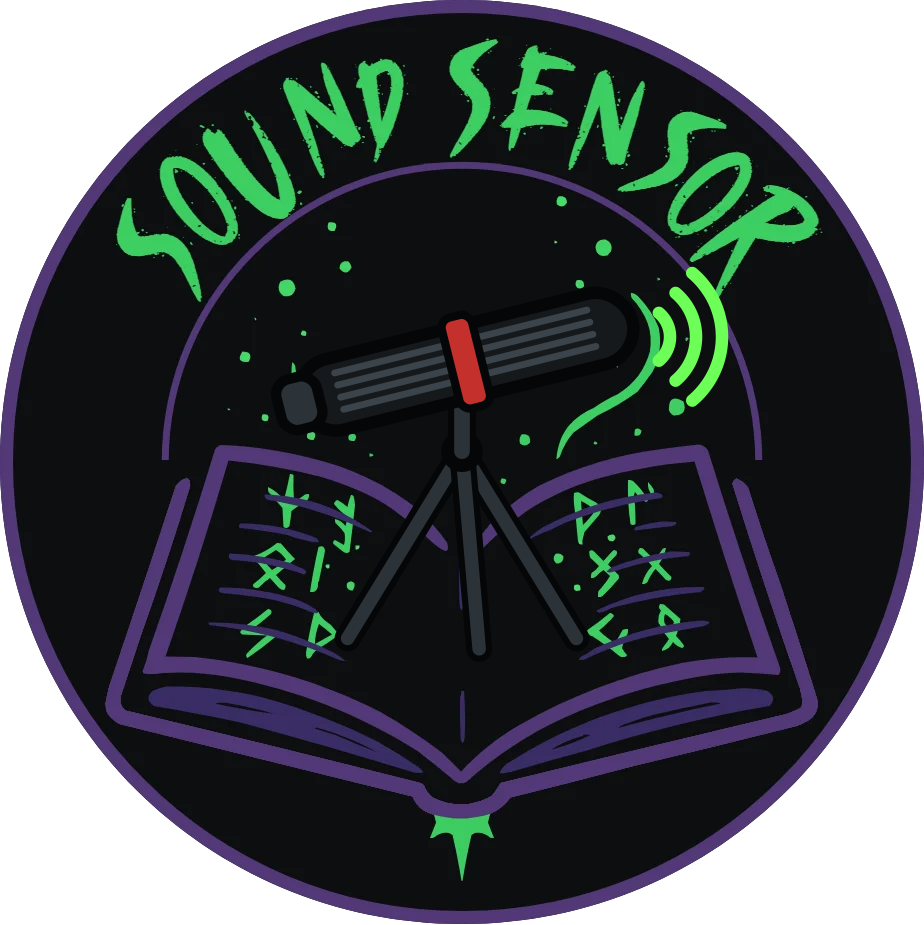
Small mic attached to a tripod, detects sound in a fixed spherical area around it.
- Ranges 5 and 10 m
- Sensor shape: full (sphere)
- Placeable
- Electronic
- Max quantity 4
The sound sensor detects noise in an area around it (same floor, ignores walls), highlighted by an orange circle on the truck map: it picks up most sounds except players' local/global voice chat. Each detected sound shows as a bar on the sound sensor monitor, which displays the total volume and updates every second. Tiers I and II have a fixed detection shape (full sphere); only tier III can change shape (cone with the mics facing forward, sides with the mics facing outward, sphere with the mics facing inward) by interacting with it directly. Since the Resonance update, icons flash on the truck map near the sensor to show where the sound came from, and if a sound repeats, the animation repeats too.
TIER 1
Small mic attached to a tripod, detects sound in a fixed spherical area around it.
 TIER 2
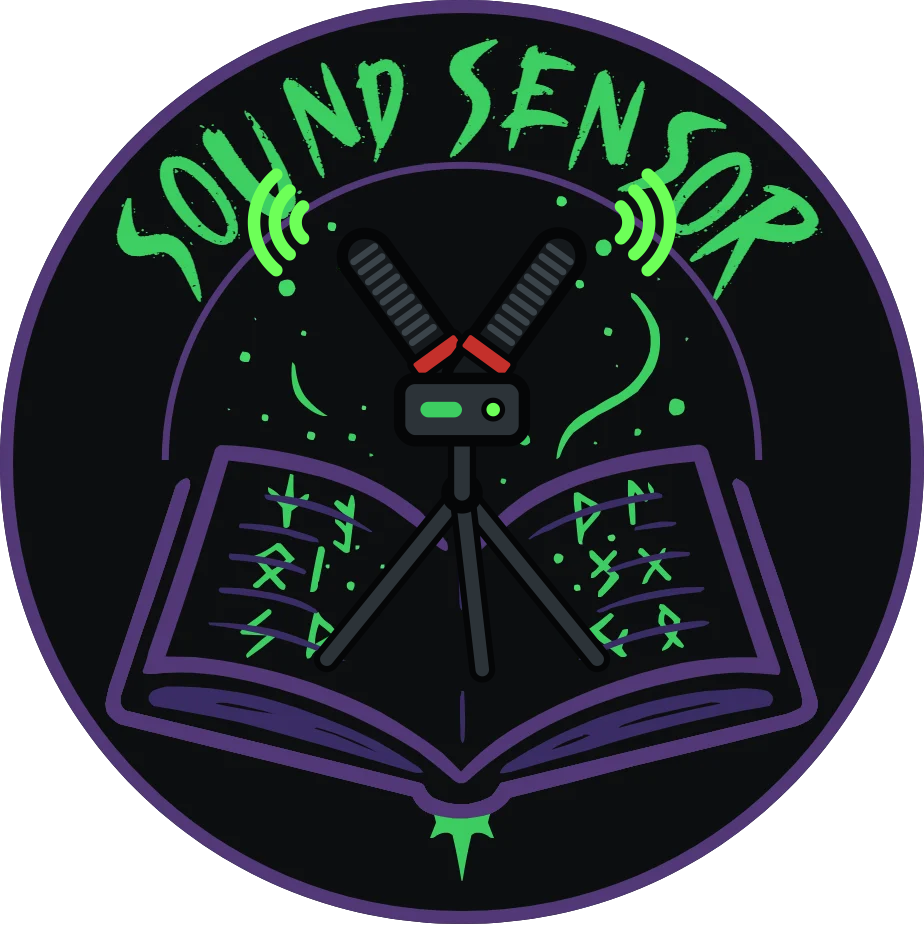
Two higher-quality mics, with an extra range selectable from the truck monitor: the shape stays a full sphere.
 TIER 3
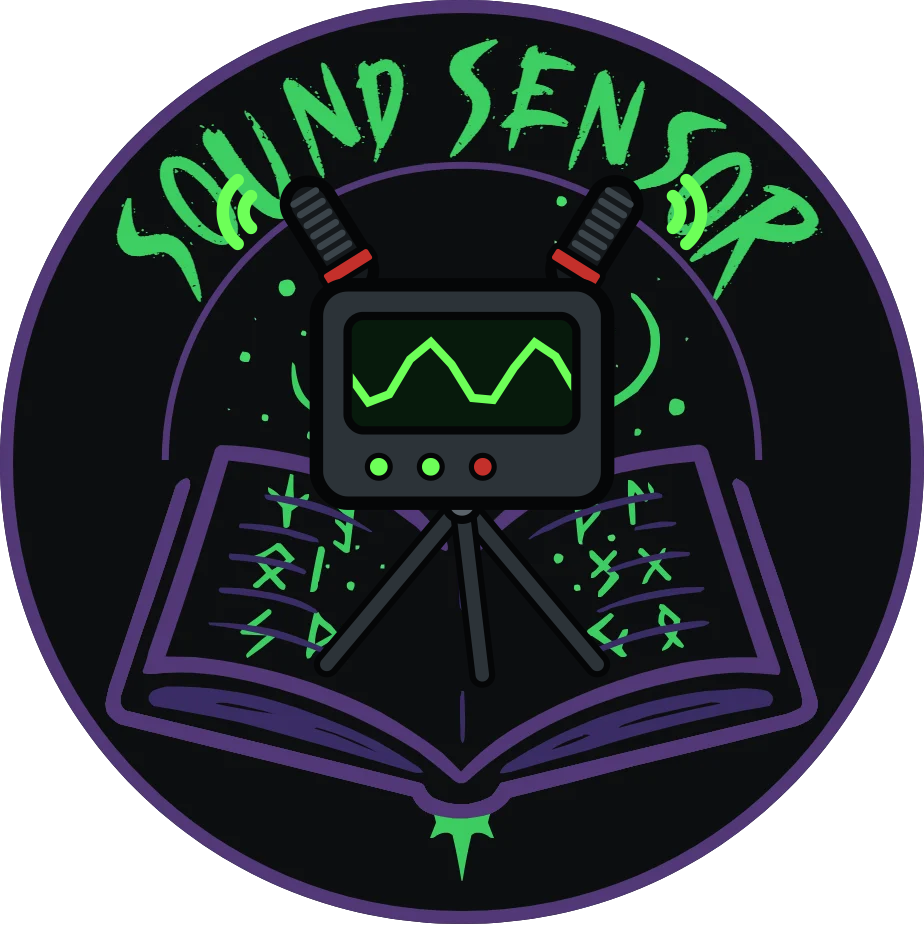
Shotgun mics on a tripod with pivoting joints: interacting with it (placed or held) changes its detection shape based on which way the mics face. Cone forward, sides outward, sphere inward.
Place them in spots you want to monitor, then head back to the truck: you can listen to the live audio feed while watching the monitor to see which sensor is picking something up. Default range is 5 m, which you can increase from the monitor (zoom icon) without having to move, and you can mute a sensor with the speaker icon if it keeps triggering from your own team. Keep in mind it also picks up your teammates' noises (footsteps, objects), not just the entity's: ask your team to stay quiet near the sensors if you want to be sure it's really the entity triggering it. If you want a sensor that only reacts to the entity, use the tier III motion sensor instead. On the truck map, watch where the icons flash around the sensor: they show where the sound came from, and since the animation repeats with each new sound, you can work out how fast the entity is moving.